Implementation guide

Launch Fluxum in your club without the mess

A clear path for configuring the platform, preparing your team, and launching to members. The sections below are ready for videos and screenshots.

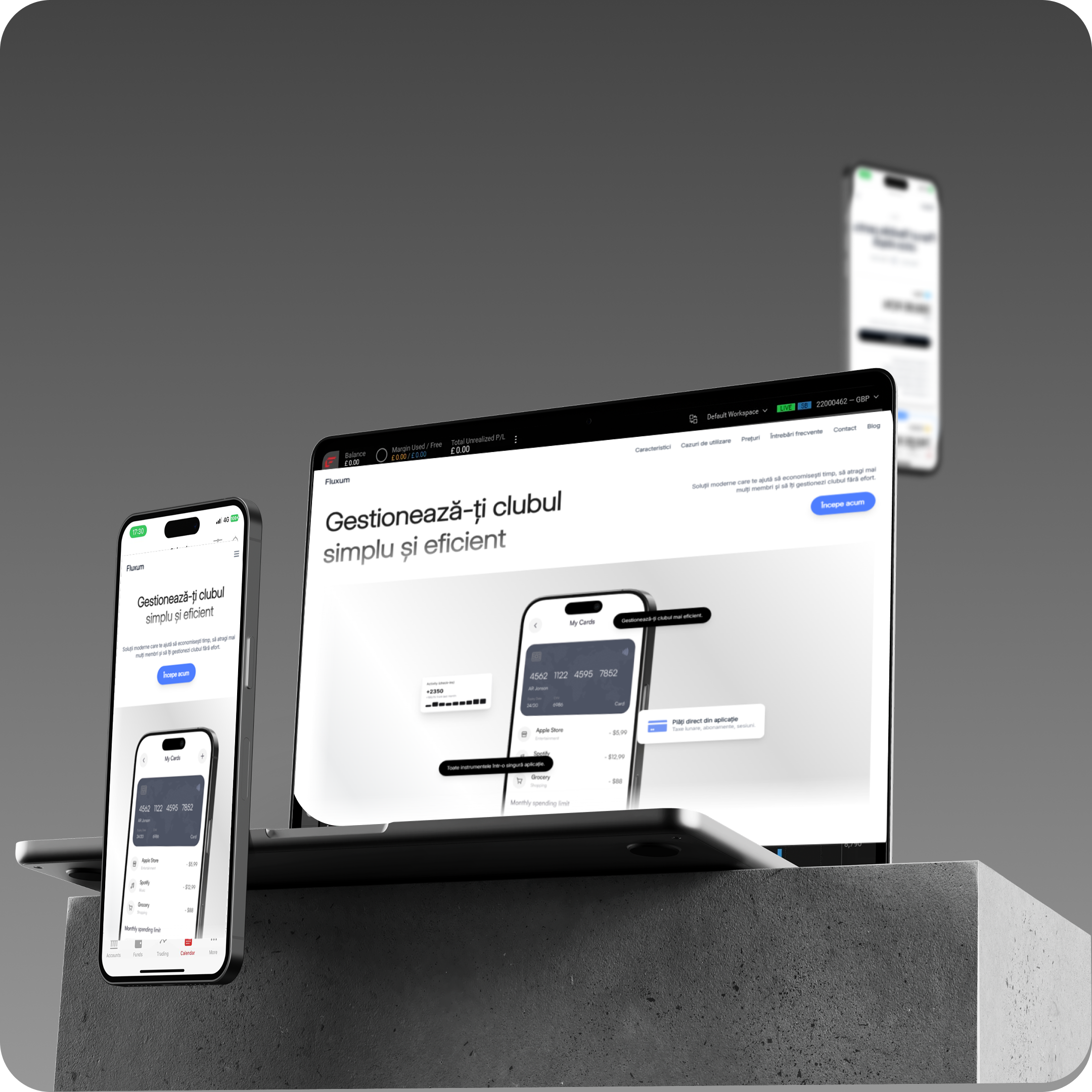
Fluxum dashboard overview

7

implementation stages

30-60 min

for the base setup

Media-ready

video and image slots

What you will configure

This guide is designed as a living page: videos, images, examples, and links can be added later without changing the structure.

Step 01

Prepare the club profile

Complete the basics: club details, logo, default language, currency, and public information members will see.

  • Club profile complete
  • Contact details verified
  • Branding uploaded

Prepared media slot

Video: profile setup

A video, image, GIF, or embed can be added here later.

+ media.src / media.type / media.alt

Step 02

Create subscriptions

Add the plans members can buy or receive manually. Set price, interval, member limit, and status.

  • Active plans created
  • Limits and prices validated
  • Cash/card payment decided

Prepared media slot

Screenshots: subscriptions page

A video, image, GIF, or embed can be added here later.

+ media.src / media.type / media.alt

Step 03

Configure classes and schedule

Add classes, coaches, capacity, and recurring schedules. Connect classes to the right subscriptions.

  • Classes defined
  • Weekly schedule set
  • Plan access confirmed

Prepared media slot

Video: adding a class

A video, image, GIF, or embed can be added here later.

+ media.src / media.type / media.alt

Step 04

Invite staff and members

Send invites to staff and members. Check roles, permissions, and access details before launch.

  • Roles assigned
  • Invites sent
  • Accounts tested

Prepared media slot

Image: invite flow

A video, image, GIF, or embed can be added here later.

+ media.src / media.type / media.alt

Step 05

Test daily operations

Run a complete test: check-in, booking, payment, notification, and report. This catches missing settings early.

  • Check-in works
  • Bookings verified
  • Reports visible

Prepared media slot

Video: full operations test

A video, image, GIF, or embed can be added here later.

+ media.src / media.type / media.alt

Step 06

Launch to members

Announce the rollout, send short instructions, and keep your team ready for the first launch-day questions.

  • Launch message ready
  • Team briefed
  • Support available

Prepared media slot

Template: launch announcement

A video, image, GIF, or embed can be added here later.

+ media.src / media.type / media.alt

Implementation guide

Quick pre-launch checklist

The club profile is complete and accurate.
At least one active subscription exists.
Classes and schedules have been reviewed.
Members or staff have been invited.
The check-in flow was tested on a real account.
The team knows where to find Fluxum support.

Need help with implementation?

If you want us to walk through setup with you, send us a message and we will guide you step by step.

Message us