Fluxum · Guides and help
Less admin. A clear starting point.
Practical guides to prepare your club and help members get started.
01
Set up your club
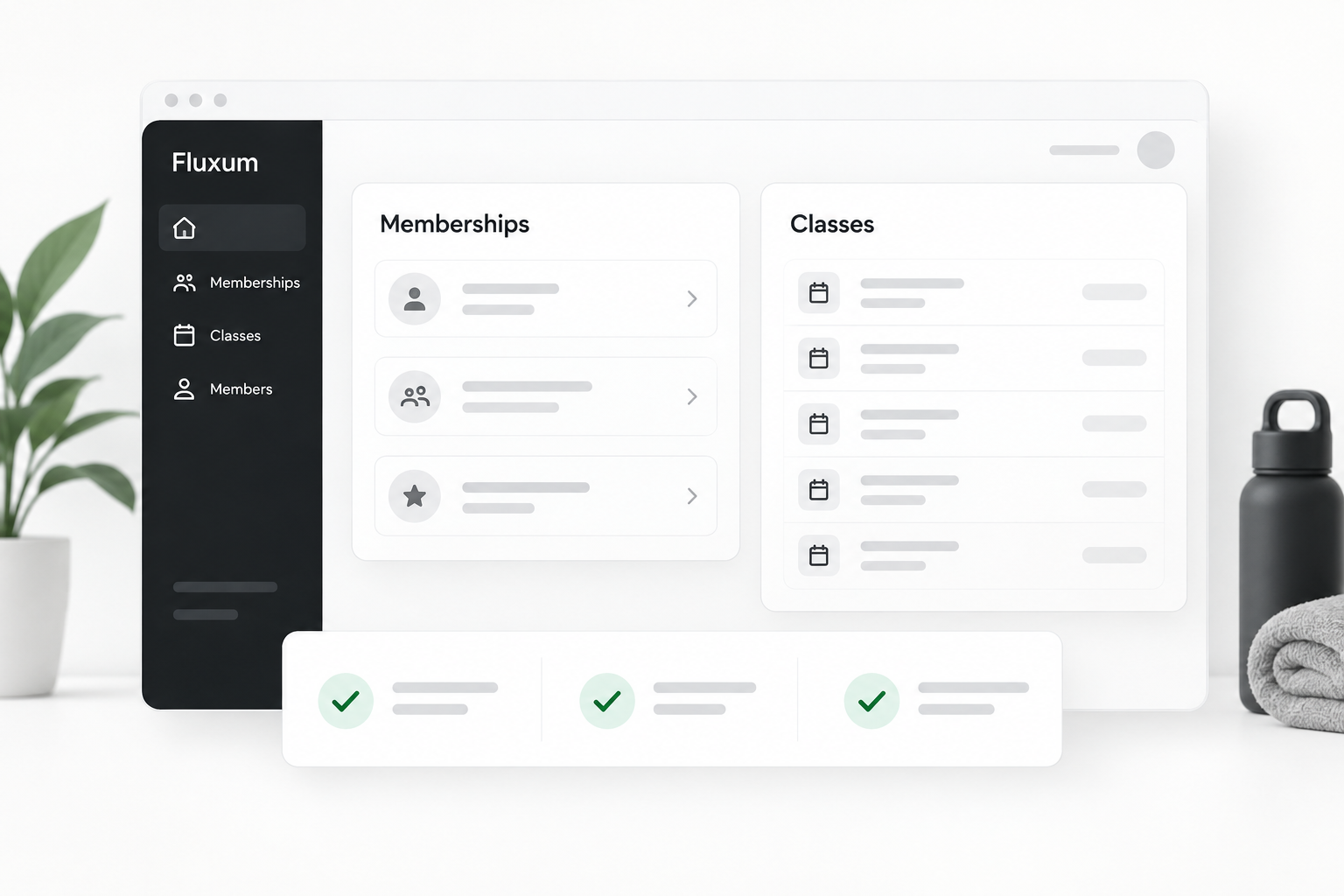
Choose the experience for your sport, add a membership and schedule your first class. Branding images are optional.
- 1Experience
- 2Branding (Optional)
- 3Membership
- 4Session
- 5First member
02
Help your first member join
In Invitations, copy the club link and share it with a member. Help them install the app and open the invitation on their phone. Then check that they appear in your member list.
Invite membersFluxum on your members’ phones
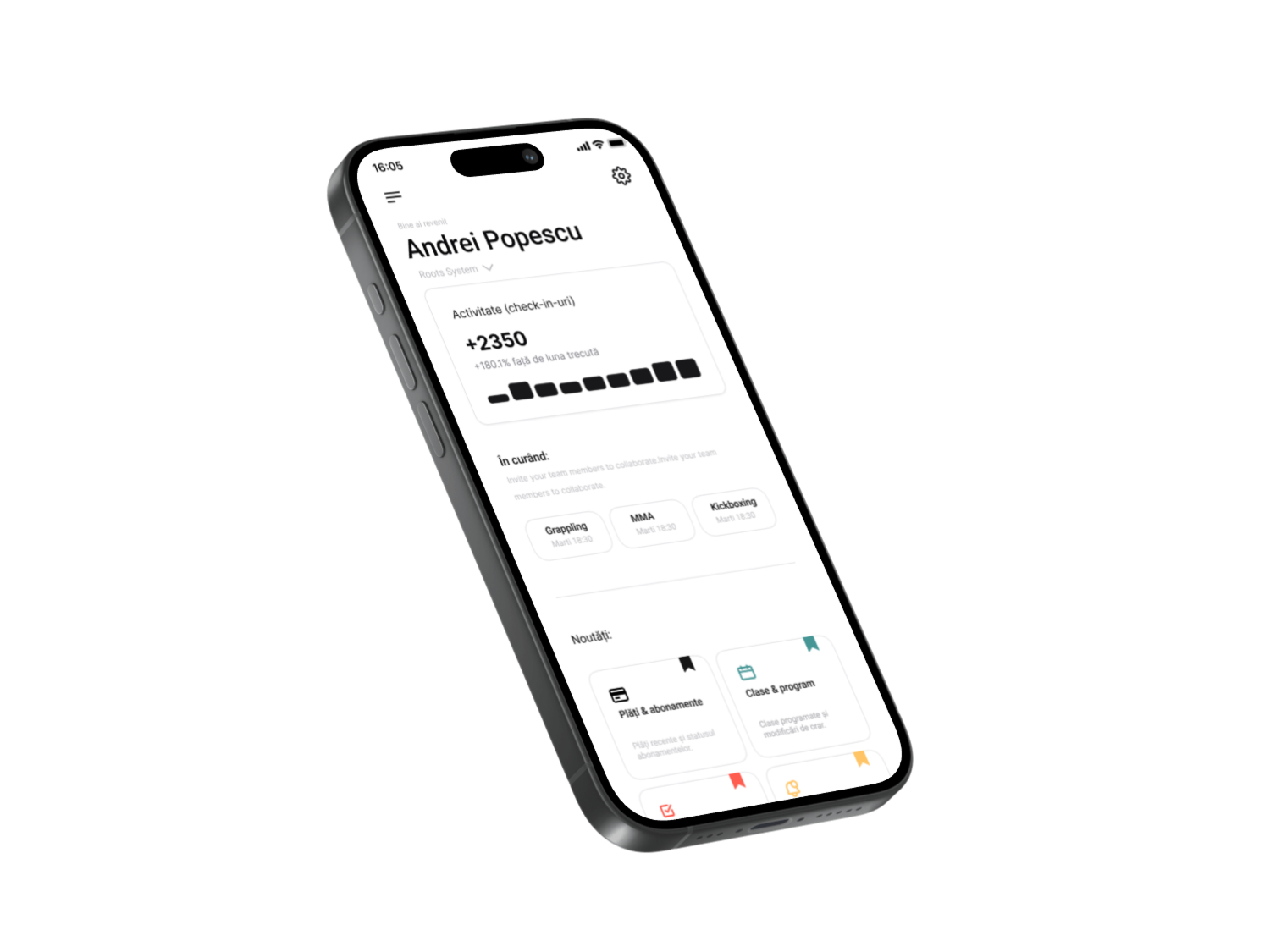
Download the app, then open the club invitation on the same phone. Administrators manage the club from this dashboard.


03
Record your first check-in
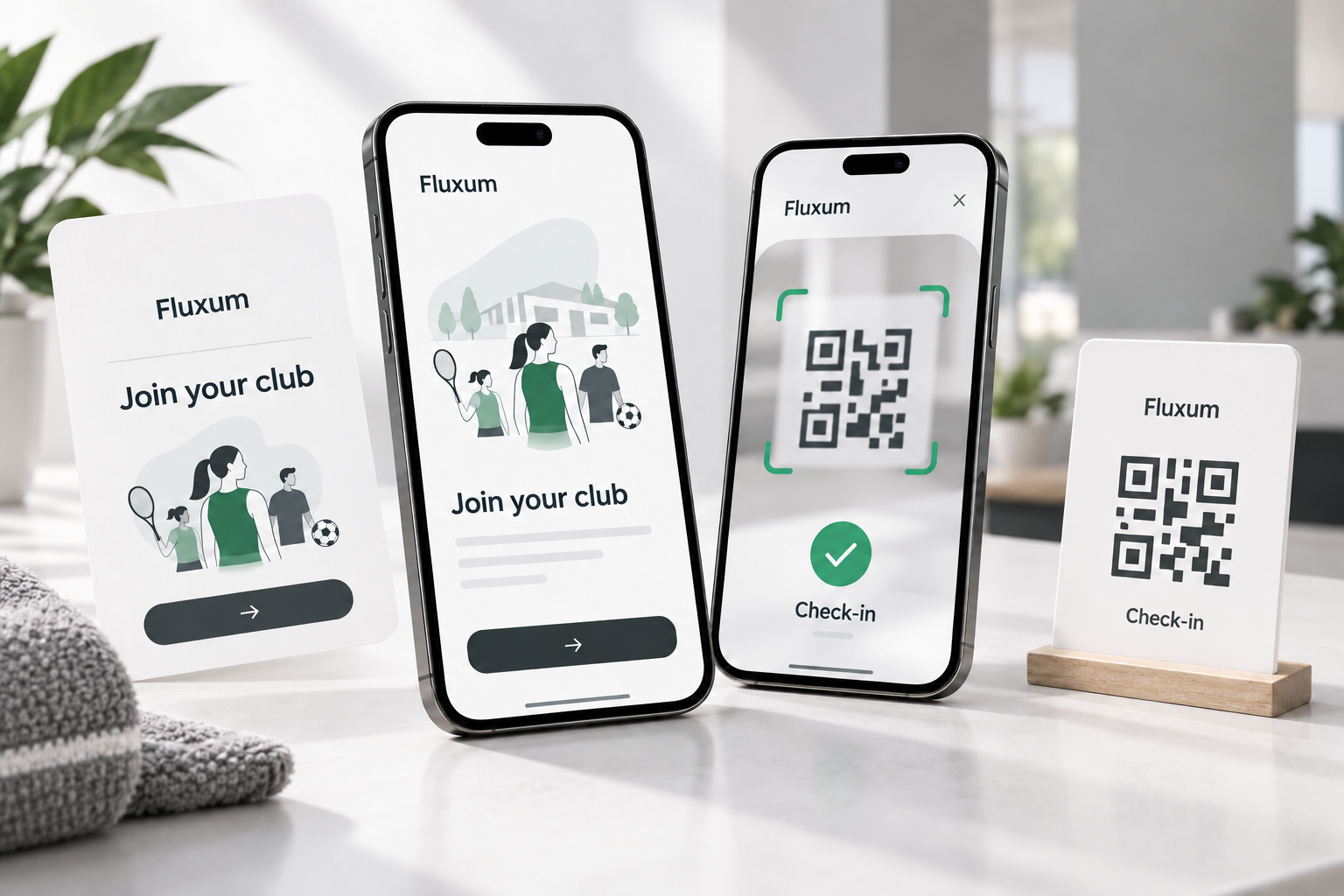
Open your club check-in QR from Invitations → Check-in QR. The member scans it in the app. Check the result in Attendance; a rejected attempt is not a valid visit.
Read guide04
Payments and invoicing
Start with cash payments and admin approval. For card payments, connect Stripe in Settings. Set up SmartBill separately in Integrations to invoice the payment methods you choose.
Read guide